
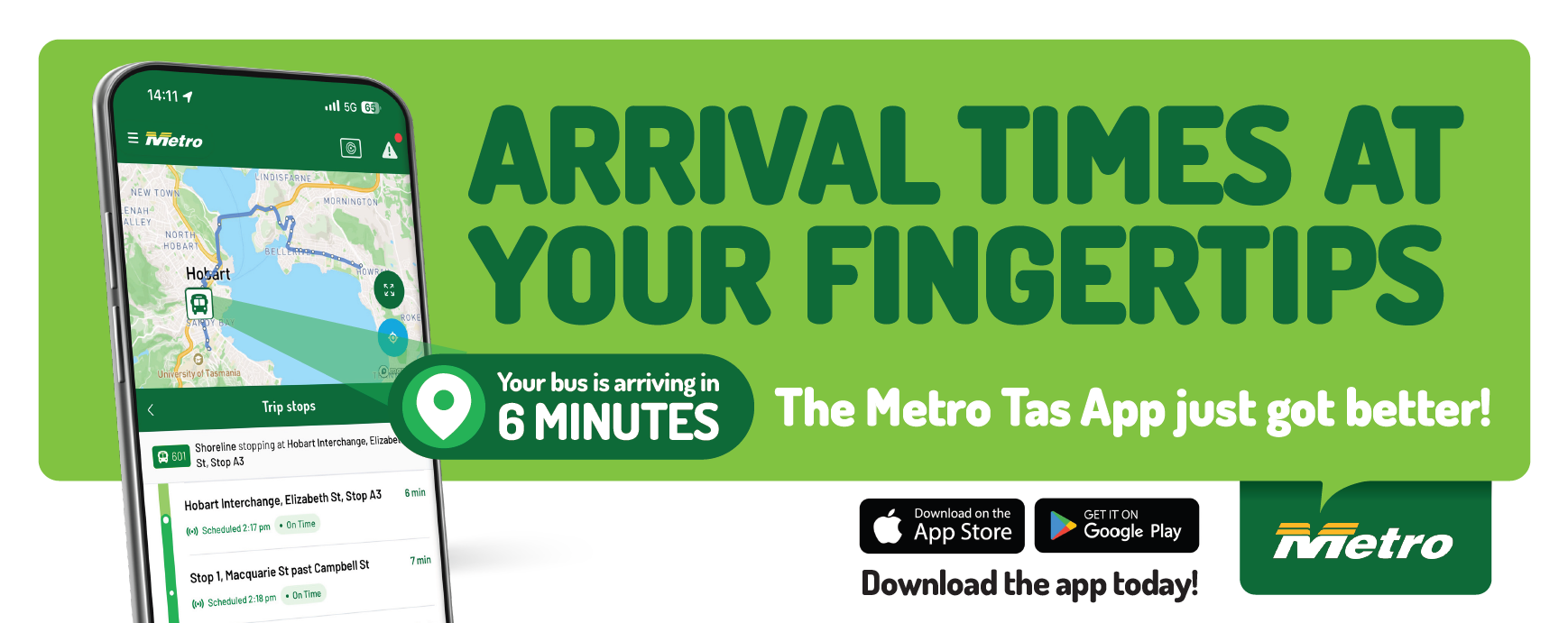
See your bus in real-time, plan trips, top up your GreenCard and check service updates.
Everything you need to navigate the Metro Tasmania bus network in the palm of your hand.
With the Metro Tas App, getting where you need to go has never been easier, with helpful features like:
- Real-Time Tracking: see where your bus is and when it will arrive.
- Trip Planner: Plan your journey with Metro’s easy-to-use Trip Planner.
- Nearby Bus Stops: Find your closest bus stops and upcoming buses.
- Timetables: Plan ahead with Metro timetables.
- Favourites: Customise your Metro experience by saving a favourites list of stops and destinations.
- Network Updates: Stay informed with alerts and disruptions.
- GreenCard Management: manage your GreenCard account on the go.
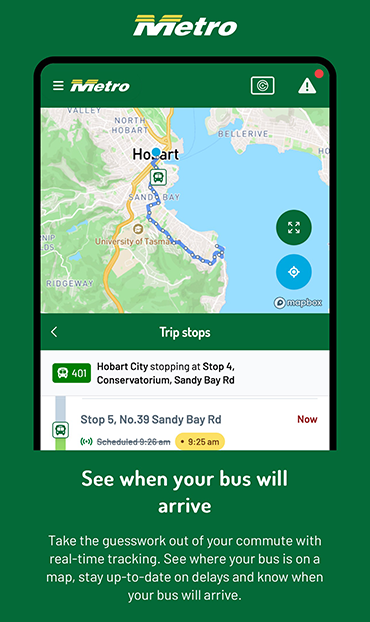
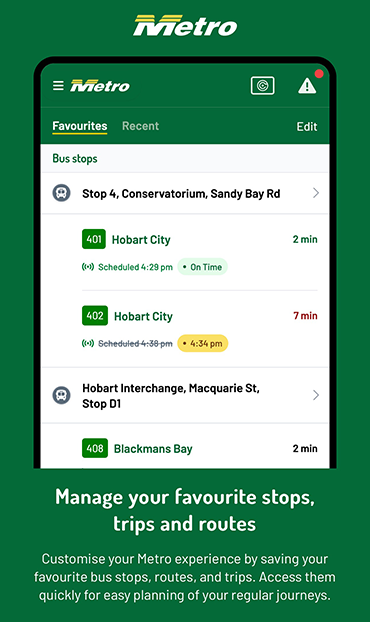
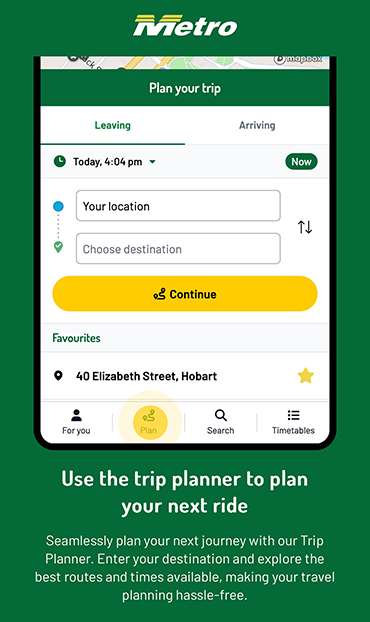
Download the app today and get on board with the better way to plan your trip!


Please note: The Metro Tas App currently displays real-time information for about 85% of Metro services. Metro continues to work closely with the Tasmanian Government to increase coverage of real-time tracking across Metro’s services.
The Metro Tas App has been recognised at a state and national level, including:
2025 TasICT Excellence Awards (June 2025):
- Best ICT Initiative or Industry Collaboration – Metro Tasmania, Ionata Digital, Loop Foundry, Department of State Growth (Tas), and Mattersoft.
BETTER FUTURE Melbourne Design Awards 2025 (July 2025):
- Gold for the BETTER FUTURE Design Award in the category Digital – Government Services
- Silver for the BETTER FUTURE Design Award in the category Digital — Application
BETTER FUTURE Australian Design Awards 2026 (January 2026):
- Gold for the BETTER FUTURE Design Award in the category Digital – Government Services
- Gold for the BETTER FUTURE Design Award in the category Digital — Application
Need a hand with the app?
Most app questions can be sorted in a couple of taps. Here are answers to other customer questions.
Real-time tracking currently covers about 85% of Metro services, so a small number of routes will show scheduled (timetabled) times only rather than live position. If a route you’d expect to see live isn’t appearing:
- Check you’re connected to the internet (mobile data or Wi-Fi) — real-time data won’t load offline.
- Make sure you’ve got the latest version of the app from the App Store or Google Play.
- If the app still shows a scheduled time only, that route may not yet have real-time coverage.
If your bus doesn’t arrive within a few minutes of the time shown, check Network Updates for any disruptions before contacting us.
- Top-ups are usually reflected within 48hrs.
- Make sure you’re looking at the correct GreenCard if you manage more than one account in the app.
- If your balance still hasn’t updated after 48hrs, contact Metro with your GreenCard number and the date/time of your top-up so we can check the transaction.
- Close and reopen the app.
- Check for an app update in the App Store or Google Play — most display issues are fixed in the latest version.
- Restart your device if the issue continues.
- If you’re still having trouble, contact Metro — a screenshot of what you’re seeing helps us understand the issue faster. (You can attach one directly in the contact form.)
Yes — the Metro Tas App is free to download and use on iOS and Android.
For anything not covered above, our team can help with app and account issues:
Online: Contact Metro — select “Website or App” as the enquiry type and attach a screenshot if you have one.
Phone: 13 22 01, 8:30am–10:00am, or 2:30pm-4:00pm Monday to Friday.